





Saxony.AI Chatbot - Your personalised AI knowledge assistant for all internal questions
Would you like to give your employees access to relevant company information – from work instructions and technical documentation to internal policies? The Saxony.ai chatbot supports your team as an internal AI knowledge assistant. Automated crawling and integration of approved data sources make content centrally searchable. The information available depends on the connected sources and access permissions.
Test now!Main advantages at a glance

Answers with source references

Reduced Onboarding Effort

Scalable

Central Knowledge Hub

Versatile Data Integrator

Extract information from documents

One System, Endless Chatbot Possibilities

Data Security and Integrity
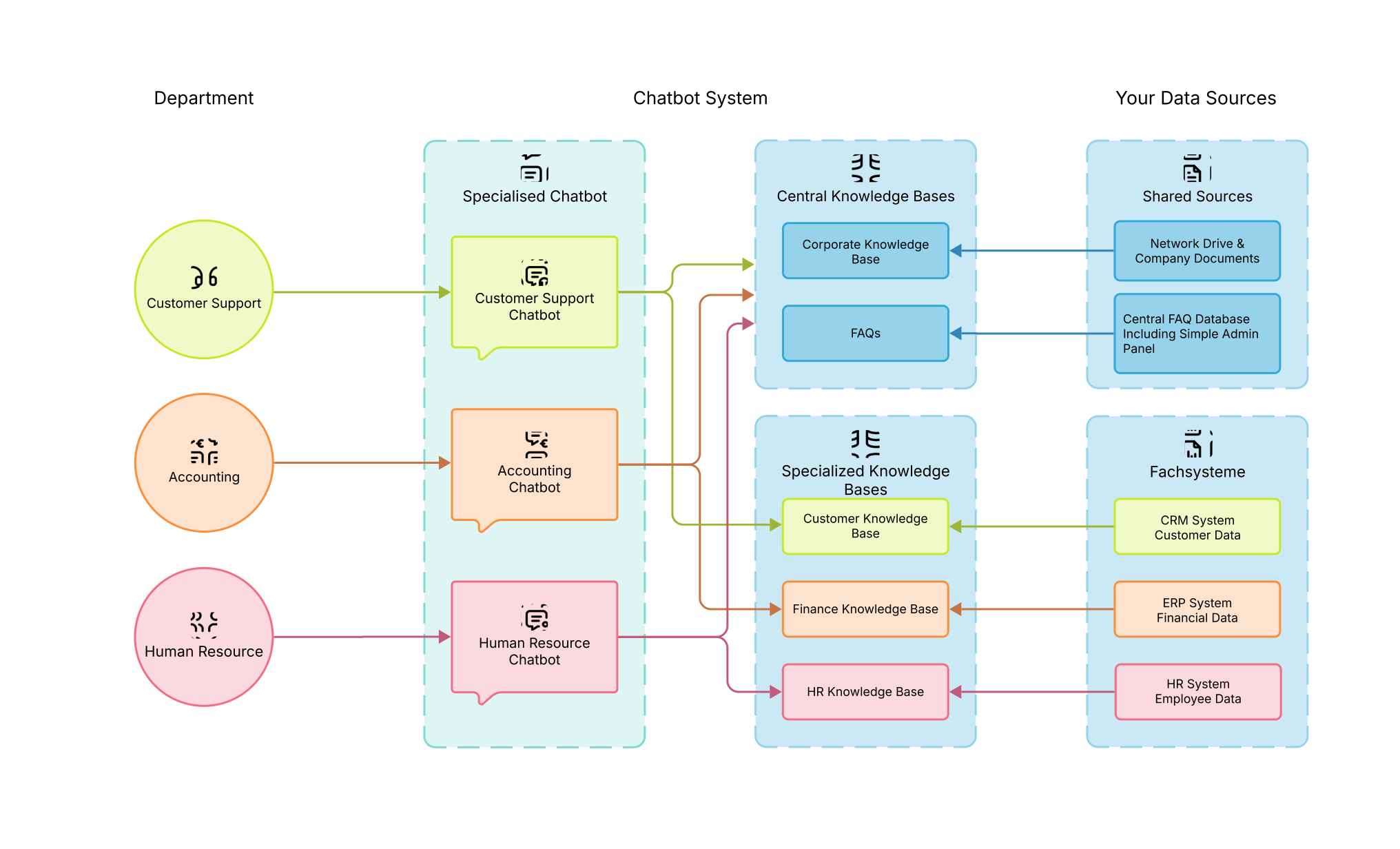
Structure of our chatbot system
Core functions of our chatbot
Our chatbot can use RAG technology to access information from approved sources such as images, tables, PDFs, ticket systems and ERP platforms. Document processing and layout recognition prepare content for retrieval. A Large Language Model uses it to formulate answers to internal questions. Completeness and answer quality depend on factors including document quality, currency and configuration.
File Crawler & Network Drives
File Crawler & Network Drives
Capture Office documents, PDFs and scans (including OCR) directly from Windows shares, cloud storage or network drives. The chatbot indexes all data sources continuously and fully automatically.
Cross-departmental Instances
Cross-departmental Instances
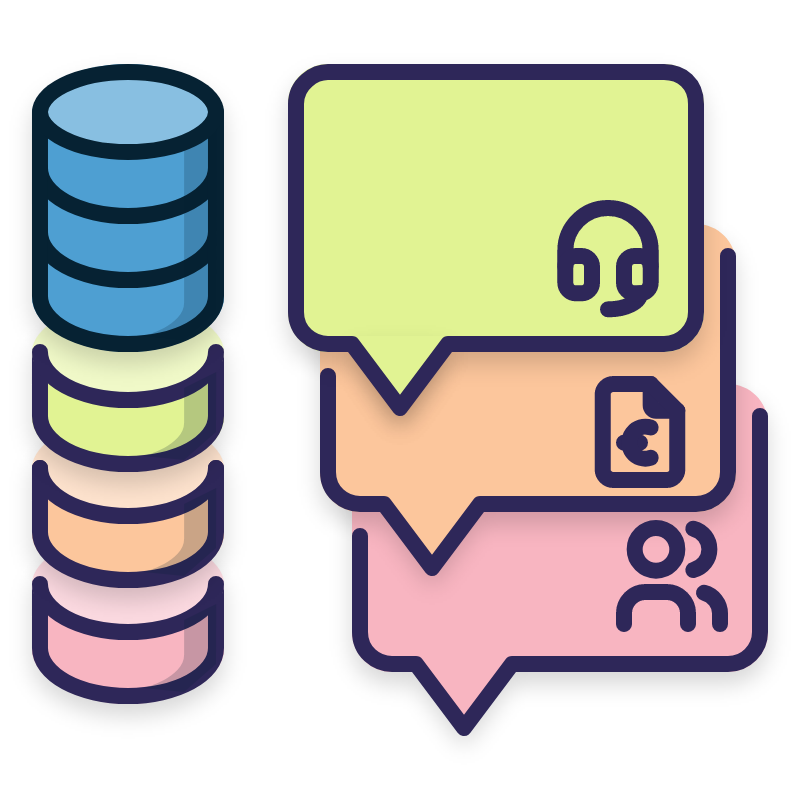
Configure individual chatbot variants for production, sales or support - with shared or separate knowledge bases. Individual knowledge sources can be maintained in separate knowledge bases and specifically assigned to the respective chatbots, so that teams only receive the information they really need.

Ticket System and ERP Integration
Ticket System and ERP Integration
Connect your internal ticket system so that the chatbot can access resolved cases. Or have the AI retrieve product master data from the ERP system to answer questions about items or availability.
FAQ Matching and Moderation
FAQ Matching and Moderation
Store internal FAQs on IT hotline, vacation policies or travel expenses. The chatbot recognizes these pre-configured questions and immediately provides answers - from short-term changes such as vacation substitutes to complex issues that are linked from multiple sources.
Source Citation and Frustration Management
Source Citation and Frustration Management
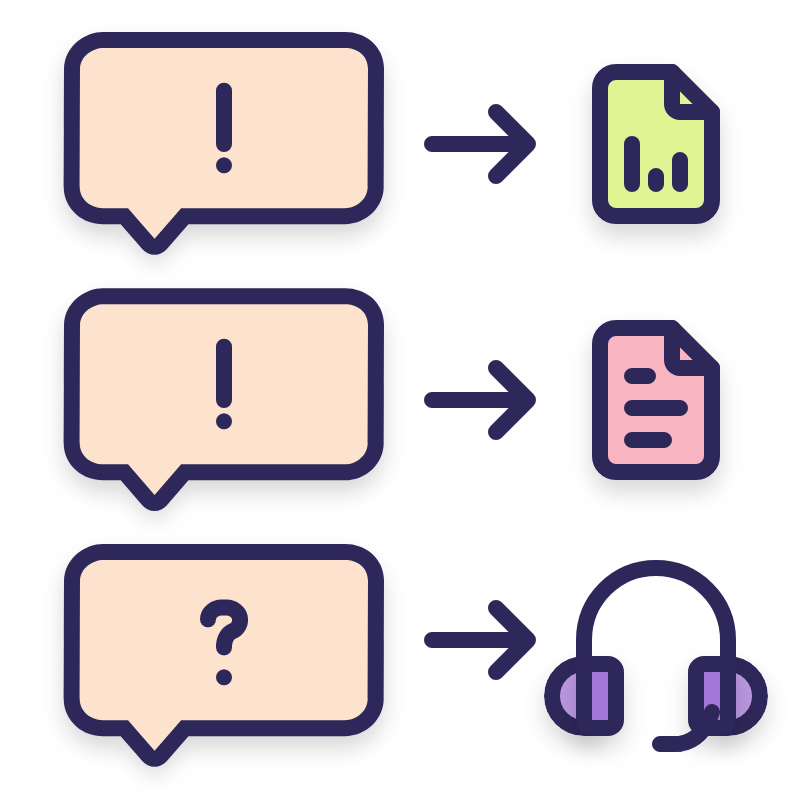
Source references help users compare answers with the underlying documents. A contact route to responsible staff can be configured for unresolved questions.

LLM as a Judge
LLM as a Judge
An additional language model can review answers and flag possible uncertainties. This automated assessment supports quality assurance but does not replace professional review, particularly for legal questions.
Data Protection and Data Security
Maximum flexibility in data protection and data security: Choose the right solution for your requirements from various language model providers. Use OpenAI as an API or rely on local or Germany-hosted models. The security of your data is our top priority.
Agree hosting and privacy requirements
We offer cloud hosting on servers in Germany and, depending on the project, on-premises solutions. Privacy requirements, models, data flows and contractual terms are agreed for the specific deployment.
Access Rights & Roles:
User and role management can control document access. Permissions are configured and checked for the specific integration.

Thank you for your inquiry
We will get back to you shortly!